SAP Joule and Microsoft Copilot are working together ever more closely. At Microsoft Ignite 2026, SAP and Microsoft showed how they are connecting their AI platforms and AI agents even further. For businesses, that means more than yet another smart assistant: AI becomes part of your daily business processes. In this blog, you’ll read what has been announced, what’s already available and how we start small and concrete at Ctac.
In brief
SAP Joule brings AI to the processes and transactions in SAP, Microsoft Copilot to the work in Microsoft 365. Since November 2026, they work more closely together: SAP Joule Work uses Microsoft Work IQ for context from Microsoft 365, and agents from Microsoft Copilot Studio pass SAP tasks to Joule agents through the A2A protocol. Not everything is available everywhere yet; SAP is rolling part of it out in phases. The value only comes when data, processes and permissions are in order. As a partner of both SAP and Microsoft, we at Ctac bring those two worlds together, starting from the business process
How do SAP Joule and Microsoft Copilot work together?
Microsoft Copilot helps employees write, analyse and process information in Microsoft 365. SAP Joule is SAP’s AI: Joule brings AI to the business processes and transactions in SAP. Both are valuable, but the real power comes when those worlds meet.
Take a manufacturer. In Outlook, an account manager receives an urgent customer question about a large order. To answer well, he needs to know whether the products are in stock, what the production planning looks like and when delivery is possible. The customer communication sits in Microsoft 365, but stock, production planning and orders sit in SAP.
With SAP Joule and Microsoft Copilot connected,
it works like this:

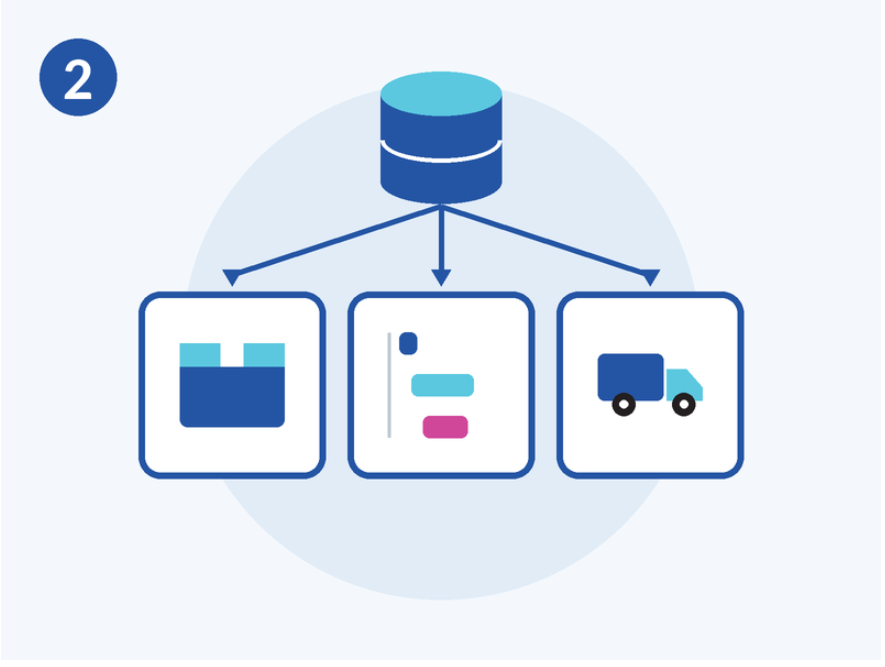
Microsoft Ignite 2026: what does it mean for your organisation in 2027?
Find out in this webinar on 1 December, 11:00–11:45, which Ignite announcements really matter for your organisation.
Register
That shifts AI from a tool that provides information to technology that actually carries out business processes
What have SAP and Microsoft announced around Microsoft Ignite 2026?
On 20 November 2026, SAP announced that SAP Joule Work uses Microsoft Work IQ. This lets Joule draw on context from Microsoft 365, and gives Microsoft Copilot better access to the business context and processes in SAP. SAP and Microsoft are also taking steps around data and AI agents. This is where things stand:
Where does SAP Joule with Microsoft Copilot deliver the most?
In my view, the most important change isn’t in new AI functionality. That follows in rapid succession. The challenge is deciding where this technology really adds value. Ask yourself three questions. Which business processes take up unnecessary time? Where do errors arise because information is spread across different systems? And which decisions do you make faster or better when employees have direct access to reliable business information?
Manufacturing, wholesale and other process-intensive sectors in particular offer big opportunities here. Think of AI that automatically flags deviations in production planning, supports purchasing decisions or speeds up financial processes. Stay realistic, though. AI only delivers reliable results if the underlying data, processes and authorisations are set up properly. A smart AI agent doesn’t make a poorly organised business process any better. That’s why successful AI doesn’t start with choosing a tool, but with insight into your business management.
How does Ctac bring SAP Joule and Microsoft Copilot together?
AI creates value not only in your ERP system or your digital workplace, but when reliable business data, employees and processes are connected. As a partner of both SAP and Microsoft, we at Ctac stand right at that crossroads. We know the business processes that organisations support with SAP, and we have expertise in Microsoft 365, Azure, data, security and AI. That’s why we look beyond the technical connection between SAP Joule and Microsoft Copilot.

We help you find relevant use cases, make your data fit for purpose, connect systems and deploy AI agents securely. Adoption and management are part of that too. Employees need to understand how AI supports them. And your organisation keeps control over what AI agents do, which data they use and which decisions they may take. Not from a single application, but from the entire business process.
How do you get started with SAP Joule and Microsoft Copilot?
Many organisations have gained their first experience with AI. The question now is how to turn those experiments into structural improvements. My advice: start small and concrete.
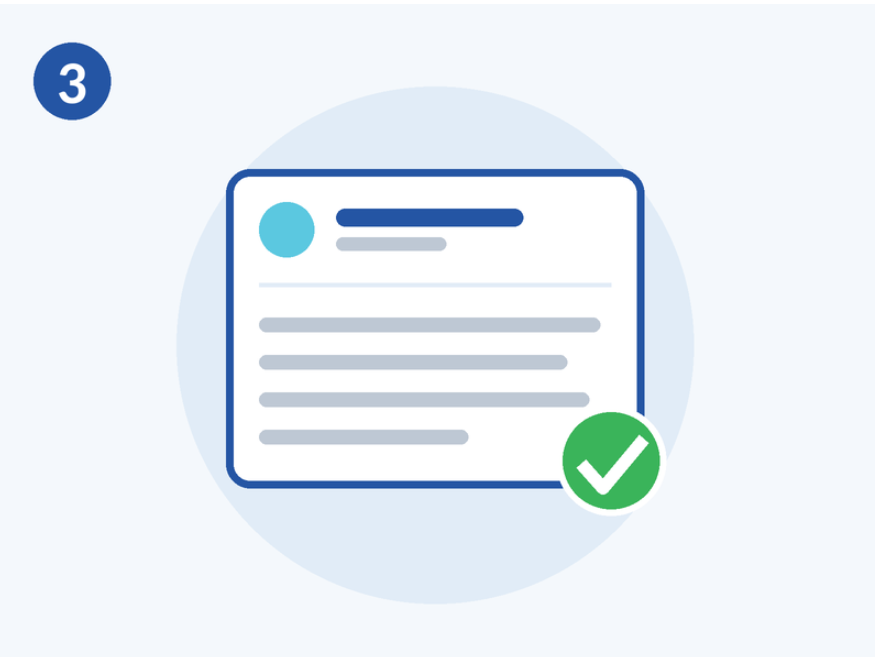
1
Choose one process
Where you hit limitations today.
2
Map it out
Which information employees need and which tasks suit automation.
3
Decide
How SAP, Microsoft and AI agents reinforce each other in that process.
4
Measure the result
Less manual work, shorter lead times, better decisions and happier customers.
So you measure success not by the number of agents or the use of Copilot, but by the results. In my view, that’s the real promise of the collaboration between SAP and Microsoft. Because in the end, it’s not about what AI can do, but about what your organisation achieves with it.

Which process will you tackle firs
Curious where SAP Joule and Microsoft Copilot make the difference in your organisation? Schedule a call: together we choose one process and map out what AI delivers there.



















Frequently asked questions about SAP Joule and Microsoft Copilot
Yes. SAP Joule and Microsoft 365 Copilot have a two-way integration: you start in Copilot and bring in SAP context, or you start in Joule and bring in context from Microsoft 365. Since November 2026, SAP and Microsoft have been deepening that integration through Microsoft Work IQ. These new capabilities are rolling out in phases.
Microsoft Copilot is the AI assistant for work in Microsoft 365, such as email, documents and meetings. SAP Joule is SAP’s AI for business processes and transactions in SAP, such as orders, stock and finance. Together, they connect the context of the work with the data and processes in SAP.
MicrosoftWork IQ is Microsoft’s layer that brings together context from email, meetings, documents, relationships and workflows for AI. SAP Joule Work uses Work IQ, so Joule knows not just the SAP data but also the context around a decision in Microsoft 365.
A2A (Agent2Agent) is an open protocol that lets AI agents pass tasks to each other. Through SAP’s agent gateway, an agent from Microsoft Copilot Studio passes SAP-specific work to a Joule agent. That way, you don’t have to rebuild SAP processes in Copilot Studio.
Yes. According to Microsoft, organisations that don’t use Joule yet already connect Microsoft 365 Copilot to their SAP systems today, through MCP servers and Copilot skills. Which route fits best depends on your SAP environment and the processes you want to support.
Not always. If Joule and, for example, SAP S/4HANA and SAP SuccessFactors run in the same SAP-managed cloud environment, the connection often works without SAP Integration Suite (Cloud Integration, formerly CPI). If you connect systems outside the SAP cloud, such as your own web shop, an on-premise system or applications from other vendors, you usually need an integration layer. We determine the right architecture case by case.